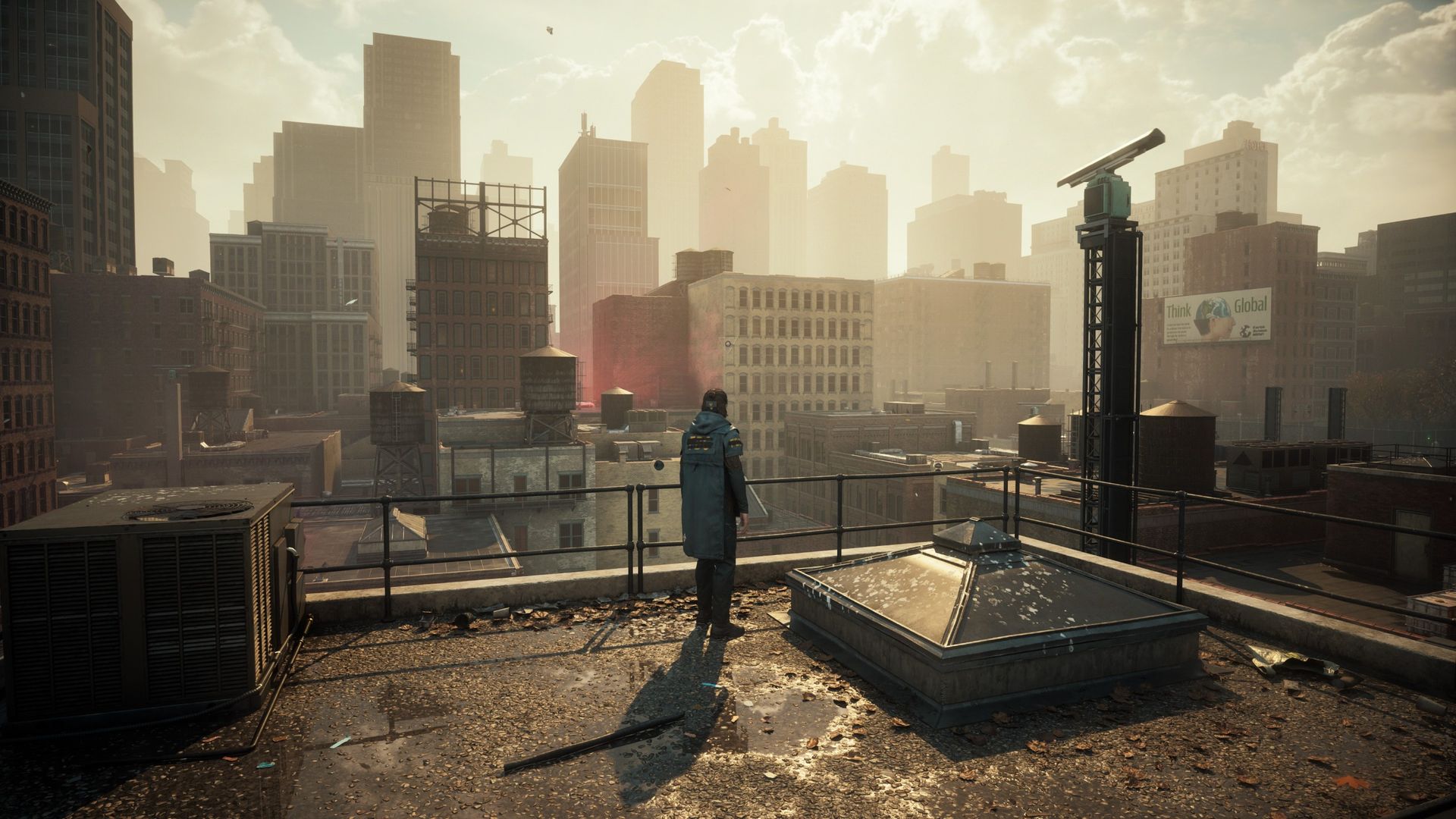
Remedy Entertainment’s free Resonant update has given Control one of the most striking visual overhauls in recent memory — but here’s some welcome news if your GPU isn’t sitting at the top of the stack: you don’t need to crank every setting to maximum to see the game at its best. Fresh testing from PC Gamer shows that the lower graphics presets in Control: Resonant offer a superb blend of performance and beauty, with real sweet spots to uncover — especially if you’re smart about ray tracing.
What Is Control: Resonant?
For anyone catching up: Resonant is Remedy’s free enhancement update for the 2019 action classic, modernizing the Oldest House with upgraded rendering, improved ray-traced effects, and support for contemporary upscaling and frame-generation tech. It’s effectively a love letter released ahead of Control 2’s eventual arrival — and a tempting excuse to replay one of the best weird-fiction shooters ever made. Naturally, all those shiny new effects have PC players wondering which settings actually matter.
The Case Against Turning Everything Up to Max
The headline finding from PC Gamer’s analysis is simple: the highest presets demand serious GPU horsepower for improvements that are surprisingly difficult to notice in the heat of combat. Control has always been a masterclass in art direction over raw rendering power — the brutalist concrete corridors, drifting ash, and flickering otherworldly intrusions look stunning almost regardless of preset. At lower settings, the fundamentals of that atmosphere remain firmly intact, while your frame rate gains dramatically more headroom.
Ray Tracing Is the Biggest Performance Tax
It won’t shock anyone that ray tracing is where most of your frames go. Fully enabled, Control’s reflections and lighting eat into performance significantly. The interesting part is that you don’t have to choose between “everything on” and “everything off.” Dialing back the ray tracing options — rather than disabling them outright — preserves most of the visual character that makes Resonant special while recovering a large chunk of performance. That middle ground is exactly where PC Gamer identified the sweet spots.
How to Find Your Own Sweet Spot
Start at a Lower Preset and Climb
Rather than starting at Ultra and working down, begin at a medium preset and test a few areas of the Oldest House. If the frame rate feels great, nudge individual settings upward one at a time. You’ll often discover that one or two options — rather than the whole stack — are responsible for most of the visual gain.
Be Surgical With Ray Tracing
Since ray tracing carries the heaviest cost, treat it as your main tuning dial. Reflections tend to be the star of Control’s visuals, so prioritize those and consider trimming other ray-traced effects that are harder to spot mid-firefight.
Let Upscaling Do the Heavy Lifting
With modern upscalers like DLSS, FSR, and XeSS, rendering at a lower internal resolution and reconstructing the image is essentially a free lunch for most GPUs. Combined with a sensible preset, it’s the easiest path to a locked, fluid frame rate without sacrificing the mood Remedy worked so hard to build.
Why This Is Good News for Every Player
There’s a broader lesson here worth celebrating. When a game’s lower presets still look fantastic, it means the experience isn’t gated behind expensive hardware — and Control’s timeless art direction ensures it will age gracefully for years to come. Whether you’re running a mid-range card or a monster GPU chasing high refresh rates, Resonant gives you the flexibility to prioritize what actually matters: smooth, responsive combat against the Hiss.
Grab Control and Steam Gift Cards at TURGAME
Haven’t set foot in the Oldest House yet, or planning a replay before Control 2 arrives? You can pick up Control game codes and Steam gift cards at TURGAME.com at competitive prices — the perfect way to jump into Resonant without breaking the bank.
Source: Based on reporting by PC Gamer — read the original article here.
Source: PC Gamer