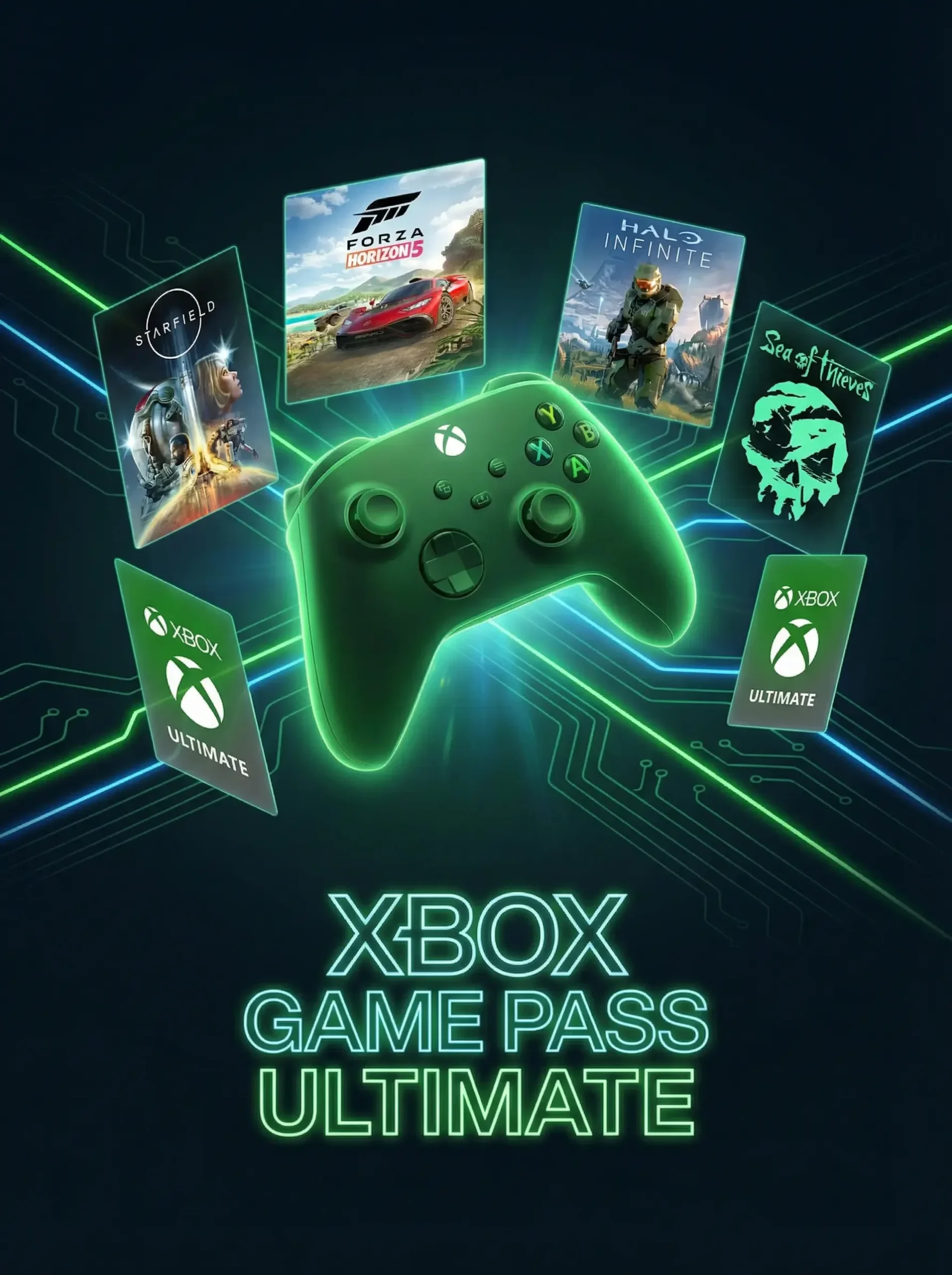
If you are an avid gamer, you have undoubtedly heard the buzz surrounding Xbox Game Pass Ultimate. Microsoft has completely revolutionized the way we consume video games, shifting the industry from an expensive “pay-per-game” model to an accessible, Netflix-style subscription service. But what exactly do you get with this subscription, and why has it become the gold standard for gaming?
In this comprehensive guide, we are breaking down everything you need to know about the service, from its incredible benefits to the best games you can play right now. If you are ready to jump in, you can easily grab your digital code and activate Xbox Game Pass instantly through TURGAME. Let’s dive in!
What is Xbox Game Pass Ultimate?
Xbox Game Pass Ultimate is the all-in-one gaming subscription service provided by Microsoft. Think of it as the ultimate bundling of everything Xbox has to offer. Instead of buying individual games or paying for separate services, Ultimate combines multiple subscriptions into a single, highly discounted monthly fee.
When you purchase this tier, you are essentially getting access to hundreds of high-quality games across your console, PC, and mobile devices (via cloud gaming), bundled together with essential online multiplayer features. It is designed to be the only subscription an Xbox or PC gamer will ever need. You can easily purchase your Xbox Game Pass membership from TURGAME and start playing within minutes.
Incredible Benefits and Features
The “Ultimate” in the name isn’t just for show. This subscription is packed with premium features that cater to every type of gamer. Here is what you unlock:
- Xbox Game Pass for Console: Unlimited access to a massive, rotating library of hundreds of games for your Xbox Series X, Series S, Xbox One, and via backward compatibility.
- Xbox Game Pass for PC: A dedicated library of PC games, completely separate from your console play, allowing you to game on your Windows laptop or desktop.
- Xbox Cloud Gaming (Beta): Play console games directly on your smartphone, tablet, or web browser without needing to download them. All you need is a reliable internet connection.
- Xbox Live Gold: This is essential for online multiplayer gaming. It also includes up to four free games a month via Games with Gold, and exclusive member deals in the Microsoft Store.
- EA Play Membership: Your Ultimate subscription also includes an EA Play membership at no extra cost. This gives you access to a massive vault of Electronic Arts titles, early trials of new EA games, and a 10% discount on EA digital purchases.
- Day-One Exclusives: Perhaps the biggest perk of all. Every major Xbox Game Studios title (like Starfield, Forza Motorsport, and the next Halo or Gears of War) is added to the library on the exact same day it launches globallyâno extra purchase required.
Xbox Game Pass Ultimate vs. Regular Game Pass: Which Should You Choose?
Microsoft offers a few different tiers of Game Pass, which can cause some confusion. Let’s clear it up by comparing Ultimate to the standard versions.
Console and PC Game Pass
Standard Game Pass for Console or PC costs less per month, but it only gives you access to the game library on that specific platform. You do not get Xbox Live Gold (meaning you cannot play multiplayer games online), you do not get Cloud Gaming, and you do not get the included EA Play membership.
Why Ultimate is the Best Value
If you do the math, subscribing to Console Game Pass, PC Game Pass, and Xbox Live Gold separately would cost significantly more than the Ultimate bundle. By choosing Ultimate, you get cross-platform access, online multiplayer, cloud streaming, and EA Play all wrapped into one seamless subscription. For 99% of gamers, Ultimate is definitively the best and most cost-effective choice.
Best Games Available on Xbox Game Pass Ultimate
The library is vast, but a few standout titles absolutely justify the cost of admission. Here are some of the best games you can play right now:
Massive Blockbusters and Day-One Launches
- Starfield: Bethesda’s massive, highly anticipated RPG launched directly on Game Pass. Explore the cosmos in a truly next-generation experience.
- Forza Horizon 5: One of the highest-rated racing games of all time, set in a breathtakingly beautiful open-world Mexico.
- Halo Infinite: The legendary franchise returns with an incredible multiplayer suite and an expansive open-world campaign.
Indie Gems and Award-Winning Masterpieces
- Hades: A phenomenal, fast-paced roguelike that took the gaming world by storm.
- Hollow Knight: One of the best Metroidvania games ever crafted.
- Sea of Thieves: A constantly evolving, incredibly fun co-op pirate simulator.
The EA Play Vault
Thanks to the EA Play inclusion, you also have instant access to modern classics like FIFA (now EA Sports FC), Madden NFL, Battlefield, and critically acclaimed single-player adventures like Star Wars Jedi: Fallen Order and the Dead Space remake.
How to Buy and Activate Your Subscription
Getting started is incredibly simple, especially when you buy your digital codes from a trusted global e-commerce store like TURGAME.
Step 1: Purchase from TURGAME
Navigate to TURGAME and purchase your digital code. TURGAME offers instant digital delivery, meaning you will receive your activation code via email the moment your purchase is processed. You can also pick up Xbox Live Gift Cards from TURGAME if you prefer to load up your Microsoft account balance to pay for your subscription.
Step 2: Redeem Your Code
Once you have your code, you can redeem it in several ways:
- On Console: Open the Xbox mobile app or press the Xbox button on your controller, go to the Store, and select “Redeem Code”.
- On PC: Open the Xbox app for Windows and click on your profile picture to find the “Redeem code or gift cards” option.
- On the Web: Visit Microsoft’s official redemption page (microsoft.com/redeem) and enter your 25-character code.
Pro Tips for Getting the Most Value Out of Your Subscription
To ensure you are squeezing every penny out of your Game Pass Ultimate membership, keep these tips in mind:
- Utilize Cloud Gaming for Demos: Not sure if you will like a massive 100GB game? Use Cloud Gaming to play the first hour instantly on your phone or tablet without waiting for a massive download.
- Stack Your Subscriptions: If you find a great deal on Game Pass Ultimate codes at TURGAME, buy multiple! You can “stack” these codes on your account, extending your expiration date up to 36 months in the future, effectively locking in a lower price.
- Claim Your Perks: Ultimate regularly offers “Perks” like in-game currency, cosmetic items, and free trials for other apps (like Discord Nitro or Spotify Premium). Check your Perks gallery frequently so you don’t miss out.
- Buy Games on Sale with Your Discount: If a game is leaving the service and you want to keep it permanently, Game Pass Ultimate members get up to 20% off on purchasing games in the library, and 10% off on DLC and add-ons.
Frequently Asked Questions (FAQ)
Can I play Xbox Game Pass Ultimate games offline?
Yes, you can! As long as your console is set as your “Home” console, you can download games and play them offline. However, you will need to connect to the internet every 30 days to verify your subscription is still active.
What happens to my games if I cancel my subscription?
If you cancel your subscription, you will lose access to the Game Pass library. However, your game saves, achievements, and progress are tied to your Xbox account, not the subscription. If you ever resubscribe, you can pick up right where you left off. If you decide to buy a game you previously played, your saves will still be there.
Do I really need Xbox Live Gold with Game Pass?
If you are playing standard single-player Game Pass games, you don’t need Gold. However, if you want to play online multiplayer modes (like in Halo Infinite, Call of Duty, or Sea of Thieves), Xbox Live Gold is required. Because Ultimate bundles them together, it is the most efficient way to play everything you want.
Is Cloud Gaming replacing console gaming?
No, Cloud Gaming is designed as an enhancement, not a replacement. While it is amazing for playing on your phone or trying games instantly, native downloads on an Xbox Series X or a high-end PC still offer the highest graphical fidelity and lowest latency.
Can I use Xbox Live Gift Cards to pay for Game Pass Ultimate?
Yes. If you redeem an Xbox Live Gift Card to your Microsoft account, those funds can be used to pay for your recurring Game Pass Ultimate subscription, provided you have set up a recurring billing method.
Ready to Level Up? Get Game Pass at TURGAME
Xbox Game Pass Ultimate is undeniably the best deal in gaming right now. It removes the barrier of entry for massive AAA titles, gives you the freedom to play on your phone, PC, or console, and constantly refreshes its library with exciting new additions. Whether you want to explore the galaxies in Starfield or race through the jungles in Forza Horizon 5, your next great gaming adventure is waiting.
Don’t overpay for your gaming subscriptions. Head over to TURGAME today to purchase your digital Xbox Game Pass Ultimate code. With instant digital delivery, competitive pricing, and trusted global service, TURGAME is your ultimate destination for all your gaming needs. Grab your code, activate it, and start playing today!